From a few details to a whole trip.
Tell NavWhale where you’re going and how you like to travel. It drafts a personalized day-by-day plan in seconds — then it’s all yours to edit, map, share, and export.
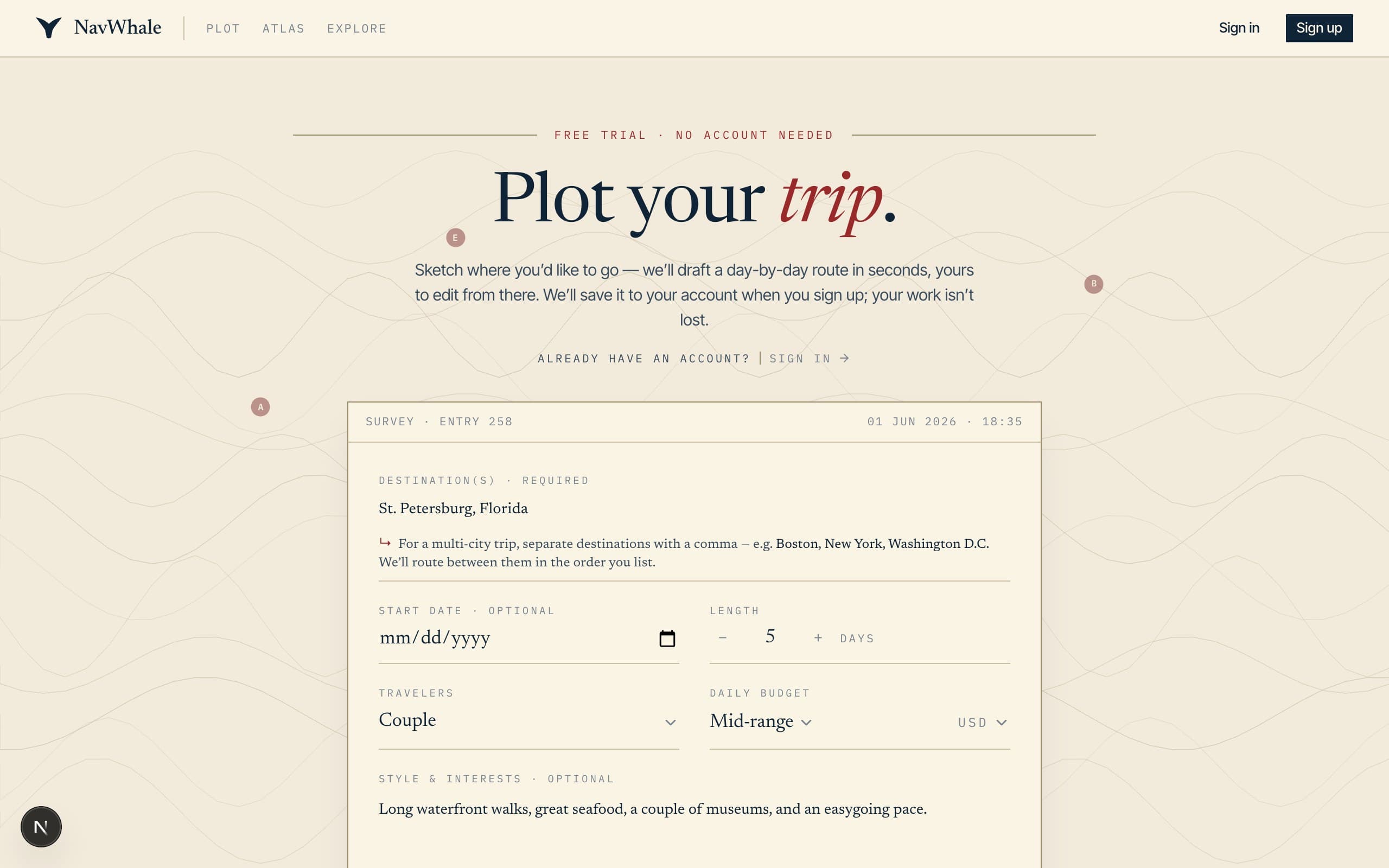
Tell NavWhale where you're headed
A handful of quick fields — destination, dates, who's coming, a daily budget — then a line or two on the vibe in your own words. Skip whatever you don't know yet; borrow a starting line if you're not sure where to begin.
- One or many destinations, in the order you'll visit
- Trip length, travelers, and a budget that fits
- A clarifying question only when it actually matters
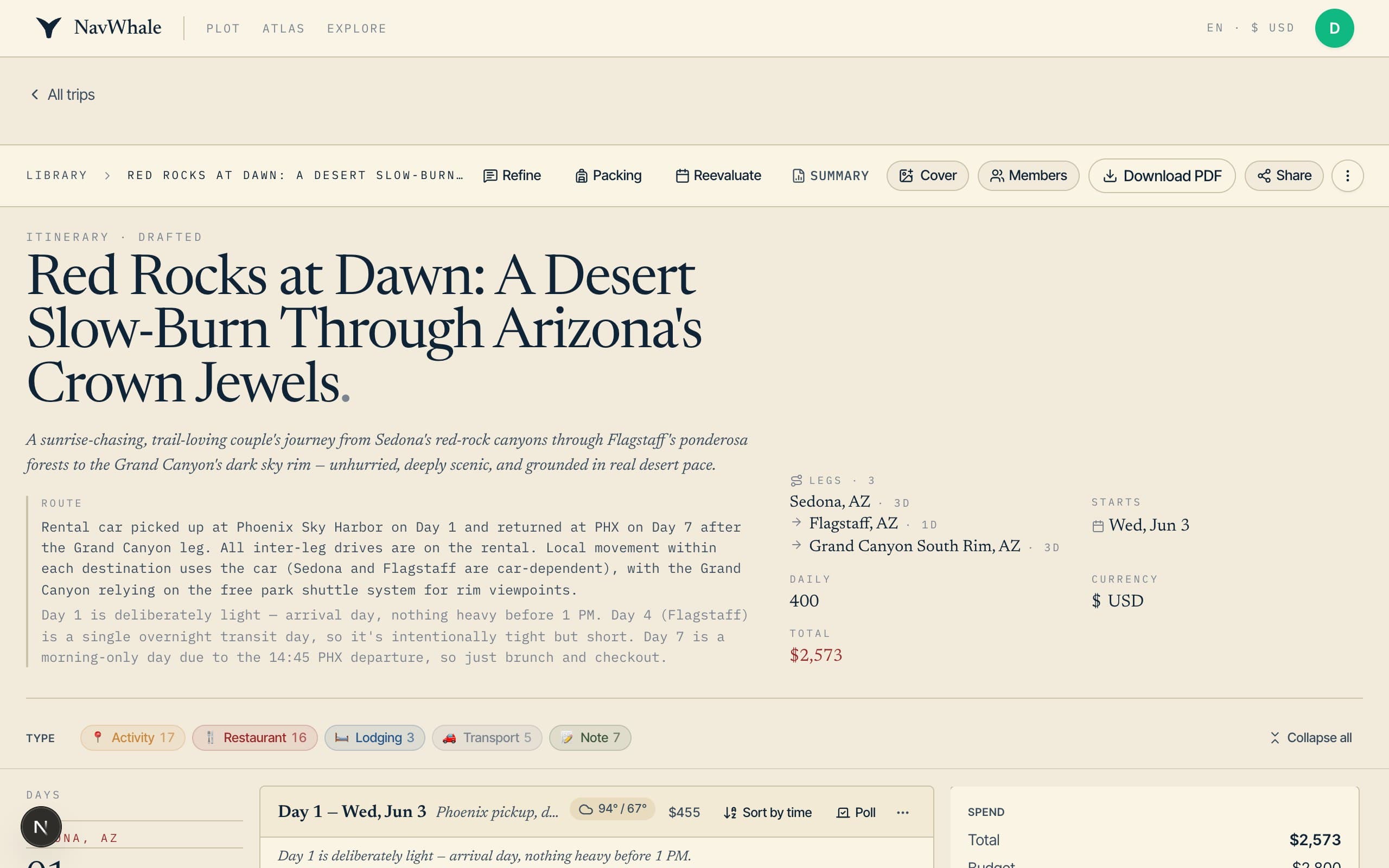
NavWhale builds the itinerary
In seconds you get a day-by-day route — real places, neighborhoods, restaurants, transit notes, and timing — researched from the live web and shaped around how you actually like to travel.
- Real, current places — not generic filler
- Sensible timing and routing between each stop
- Costs and travel legs worked out for you
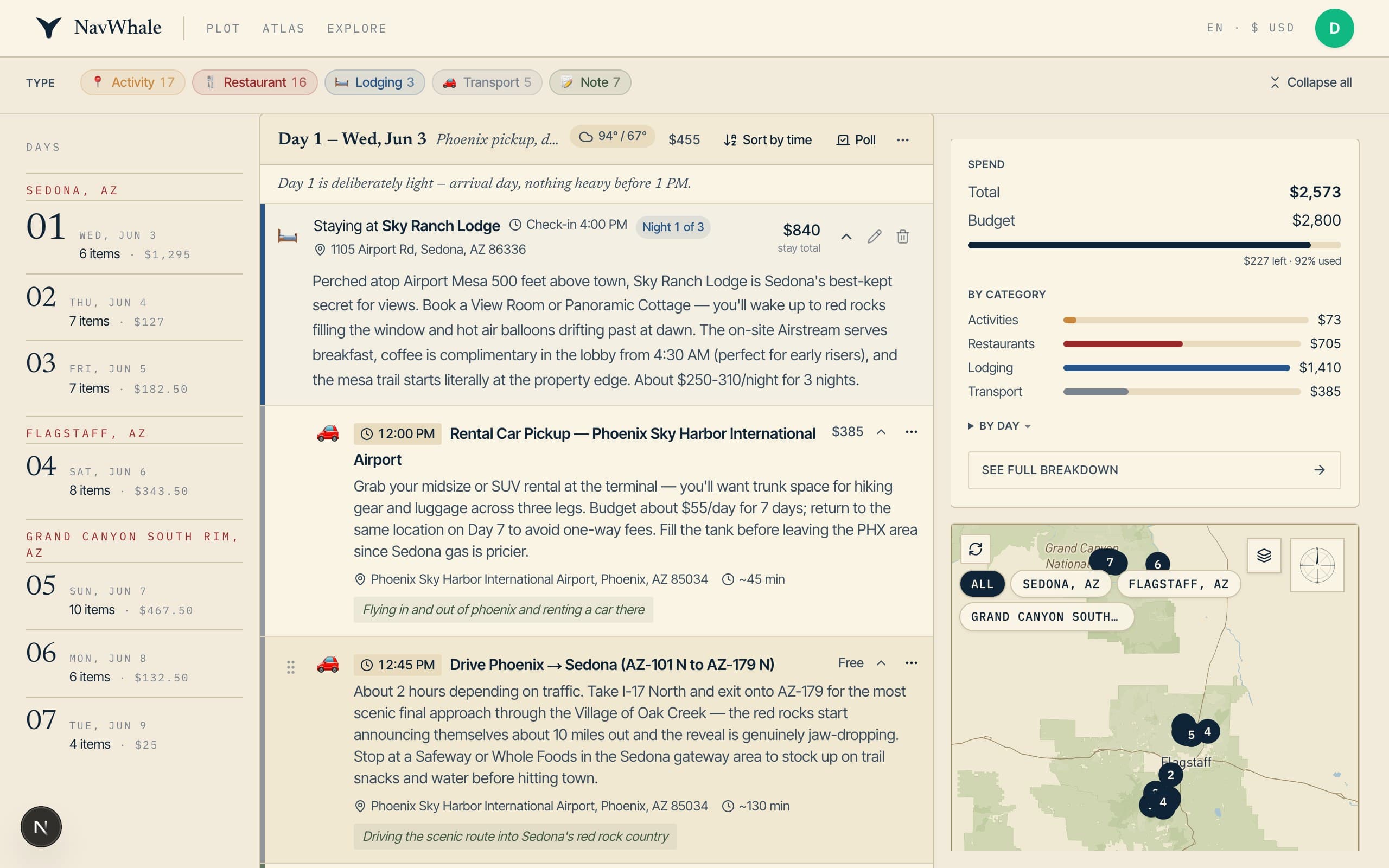
Make it yours
Everything is editable. Drag activities between days, tweak times and costs, swap in alternatives, or just chat to make changes. The map and the running spend update as you go.
- Drag to reorder days and stops
- Swap activities, add notes, fix the details
- Live map with routes, plus a budget breakdown
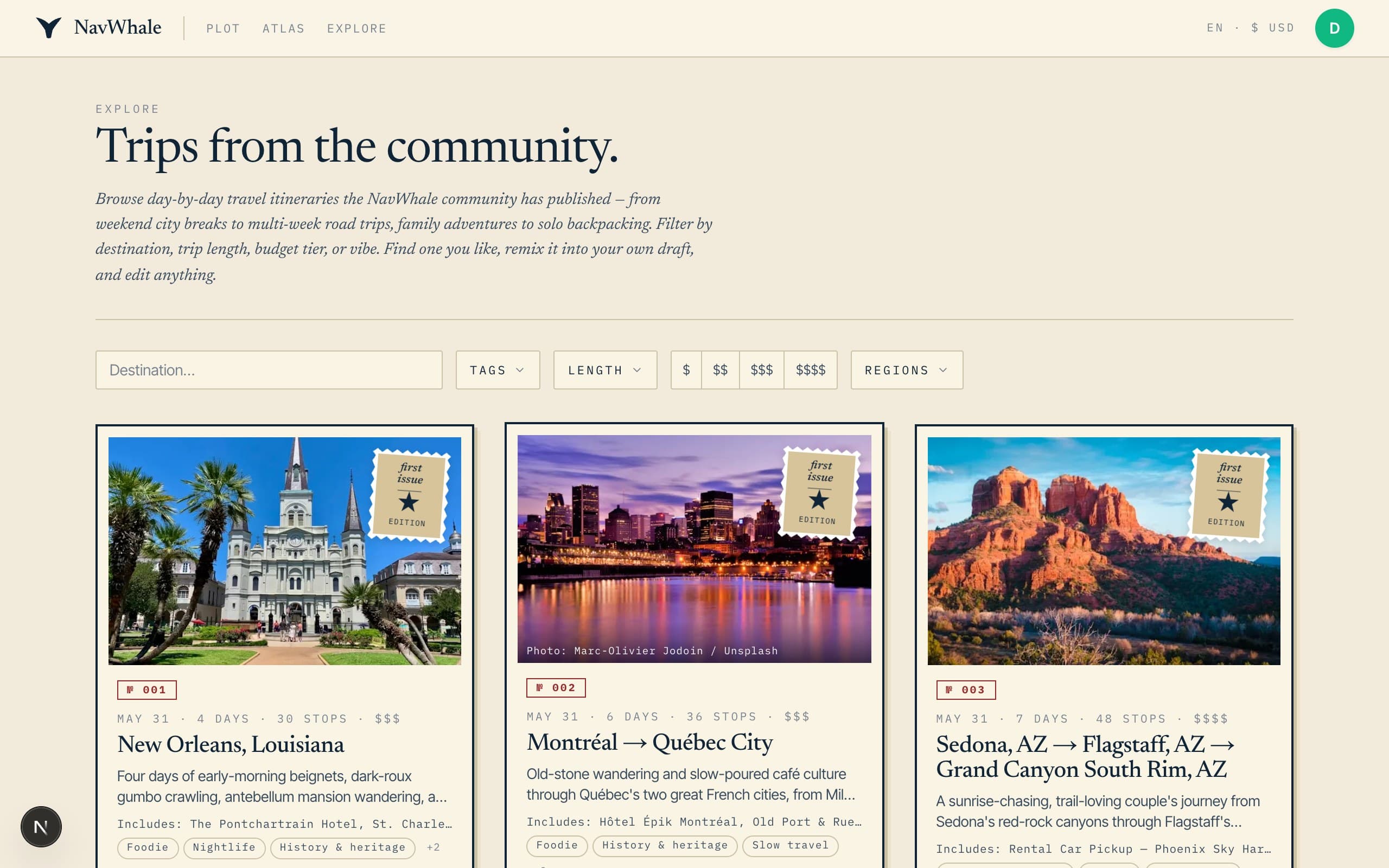
Share, export, or remix
Send a read-only link to whoever's coming, download a polished PDF or a calendar file, or publish your trip to the community gallery — where others can remix it into a plan of their own.
- Read-only share link and group comments
- PDF in four styles, plus calendar (.ics) export
- Publish to the gallery, or remix someone else's trip
Everything you need to make it real.
- Drag-to-reorder days & stops
- Edit times, costs & notes
- Live map with route legs
- Chat to refine the plan
- Swap in alternatives
- Packing list
- Spend & budget breakdown
- Comments & group polls
- PDF export (4 styles)
- Calendar (.ics) export
- Read-only share link
- Publish & remix
Common questions
- Do I need an account?
- No — you can build your first trip without signing up. We hold onto it and save it to your account the moment you do sign up, so nothing is lost.
- How long does it take?
- Usually under a minute. Longer trips take a little more time because there's more to research and lay out, day by day.
- Is it free?
- Yes. NavWhale is free to try, and free during early access — every feature is unlocked. See the pricing page for what Pro will cost down the road.
- Can I change what it makes?
- Completely. The first draft is just a starting point — drag things around, edit any detail, swap activities, or describe the change you want and NavWhale adjusts the plan.
- Can I share or export it?
- Yes — share a read-only link, download a PDF in one of four styles, add it to your calendar with an .ics file, or publish it to the community gallery.
- Where do the recommendations come from?
- NavWhale researches the live web while it plans, so you get real, current places — restaurants, neighborhoods, and sights that actually exist — rather than generic suggestions.
Ready when you are.
Free to try. No account needed to build your first trip — we save it when you sign up.